


Maximizing Mobile: How to Utilize TraceAir On The Go
Stay on top of your projects no matter where you are! Check out new updates, making TraceAir more powerful and easy to use on your mobile device.




1 min read
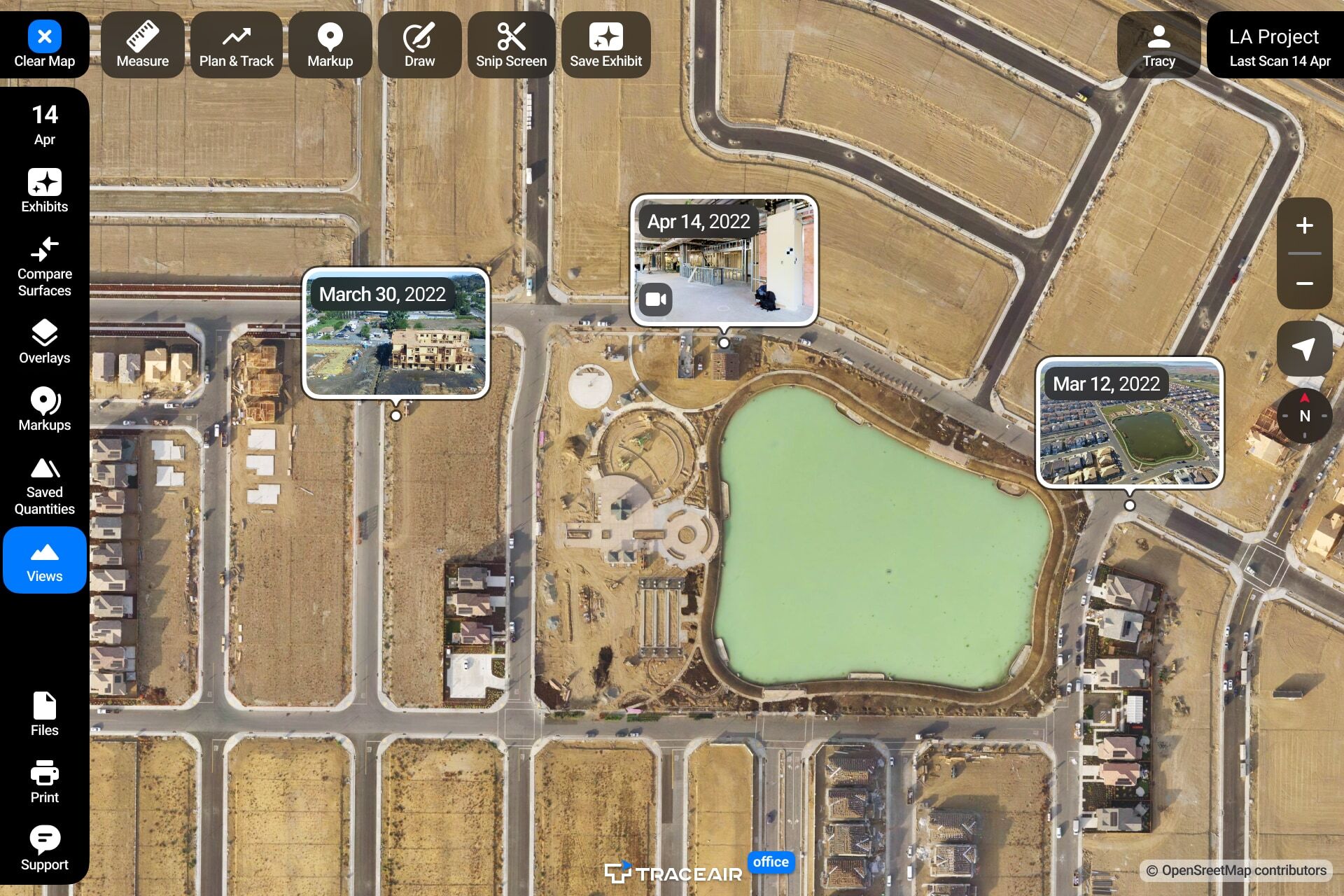
We’re excited to announce the launch of map rotation and upgrades to our 360° panorama feature within TraceAir. These major upgrades are available now within the platform and offer several new ways to gain more context, add clarity, and help you make even smarter decisions.
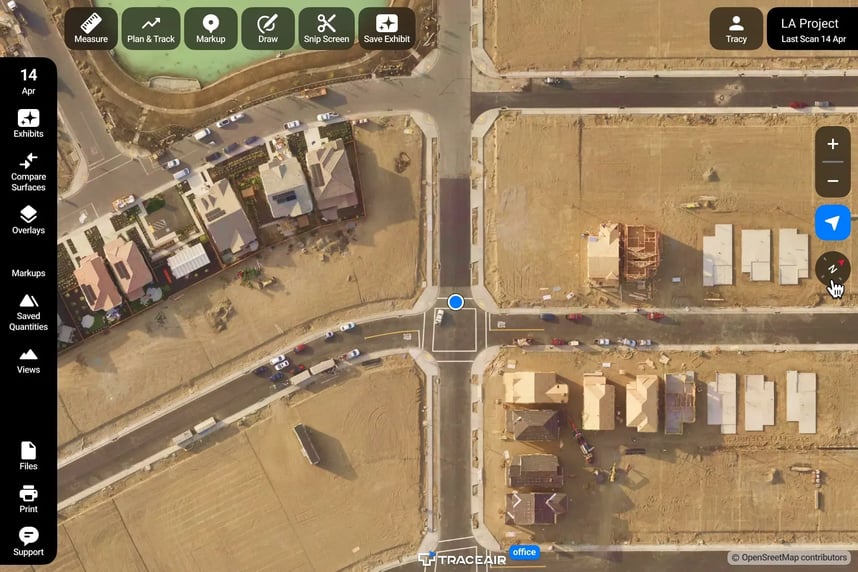
Map rotation allows you to rotate your project 360°. Simply select the compass and rotate. Align the map for printing, snipping, or simply a more comfortable on-screen viewing. While in the field, use My Location to find your position on a scan, and then reposition the map to align with your viewpoint.
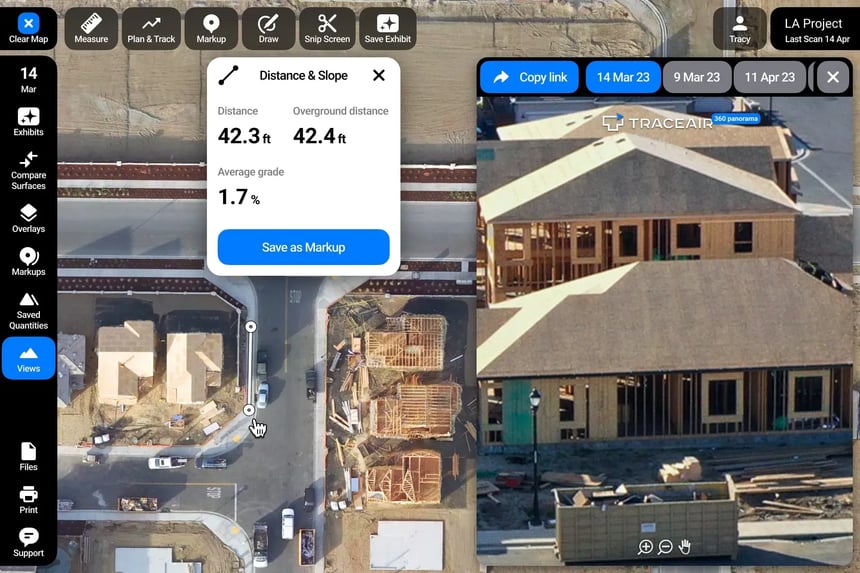
For ease of navigation, we have added mini-previews on the map. With the new half-screen view, you can now view 360° panoramas alongside your scans and use all the tools and features of TraceAir without interrupting your workflow. 360° panoramas can be added to Exhibits for easy collaboration, and also shared outside of TraceAir via a link.
These updates will help you save time and increase productivity, allowing you to focus on important aspects of your projects. If you have any questions or feedback, please contact our team.
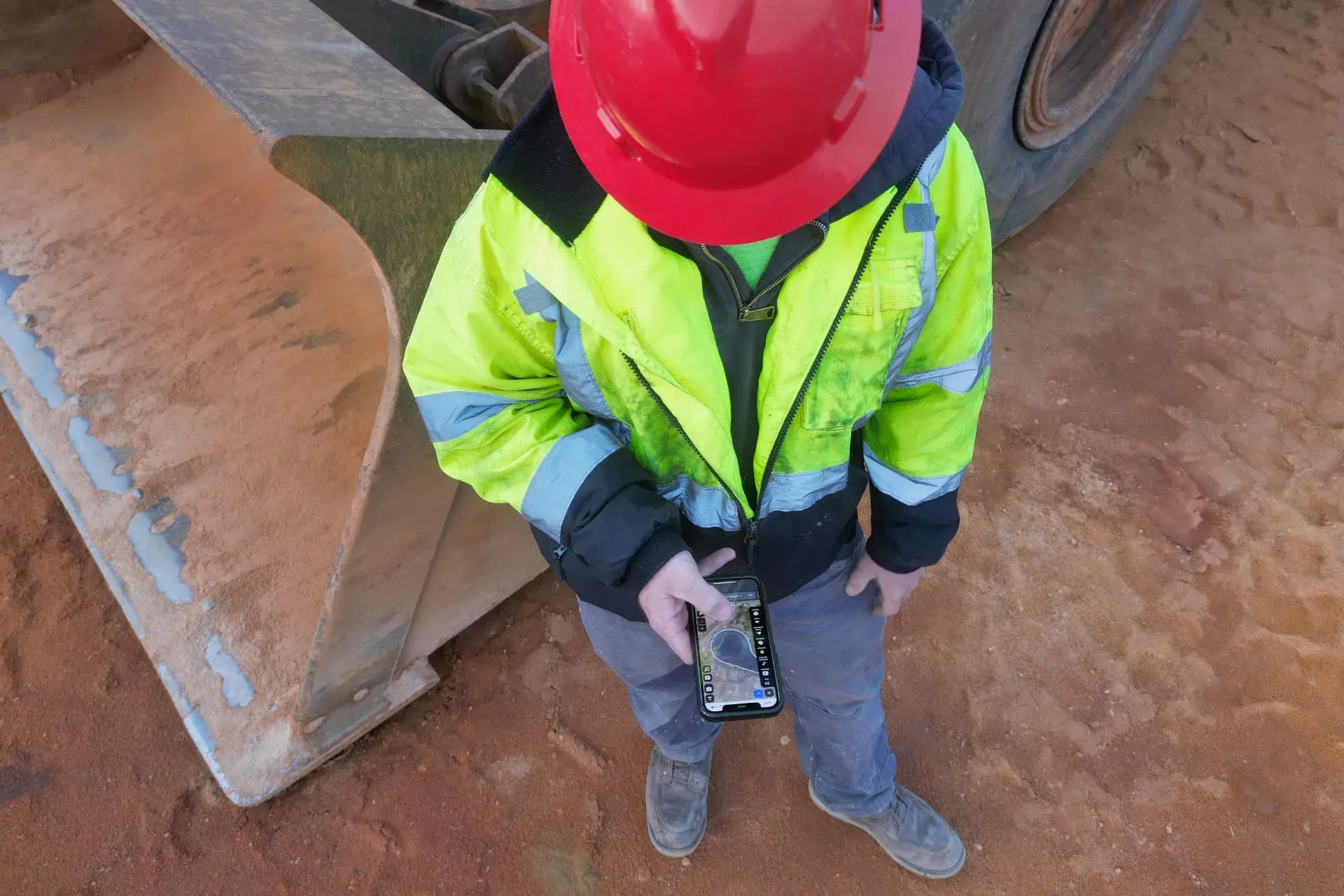
Stay on top of your projects no matter where you are! Check out new updates, making TraceAir more powerful and easy to use on your mobile device.
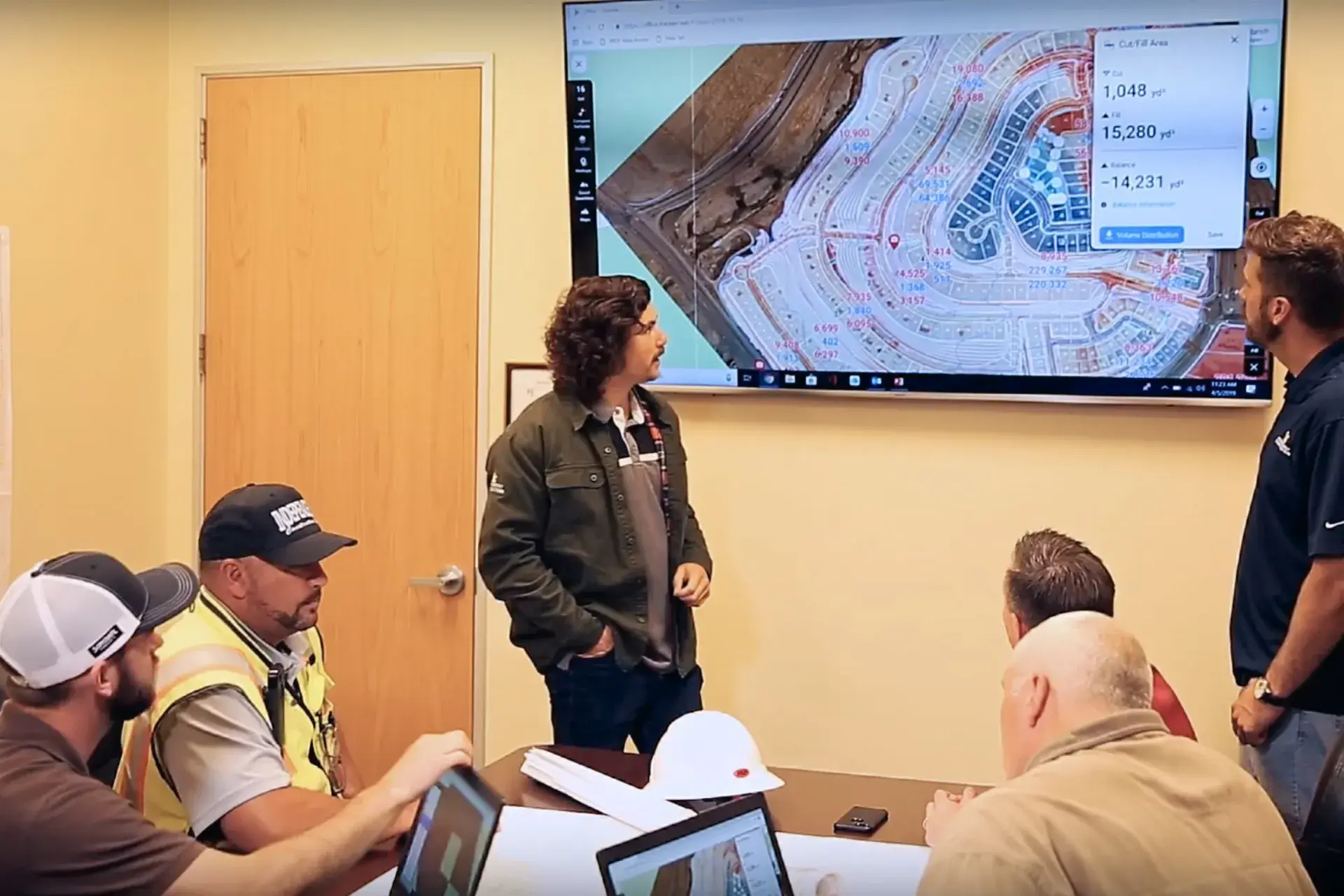
Discover 10 efficient workflows with TraceAir that enhance collaboration and streamline project management for homebuilders and land developers today.
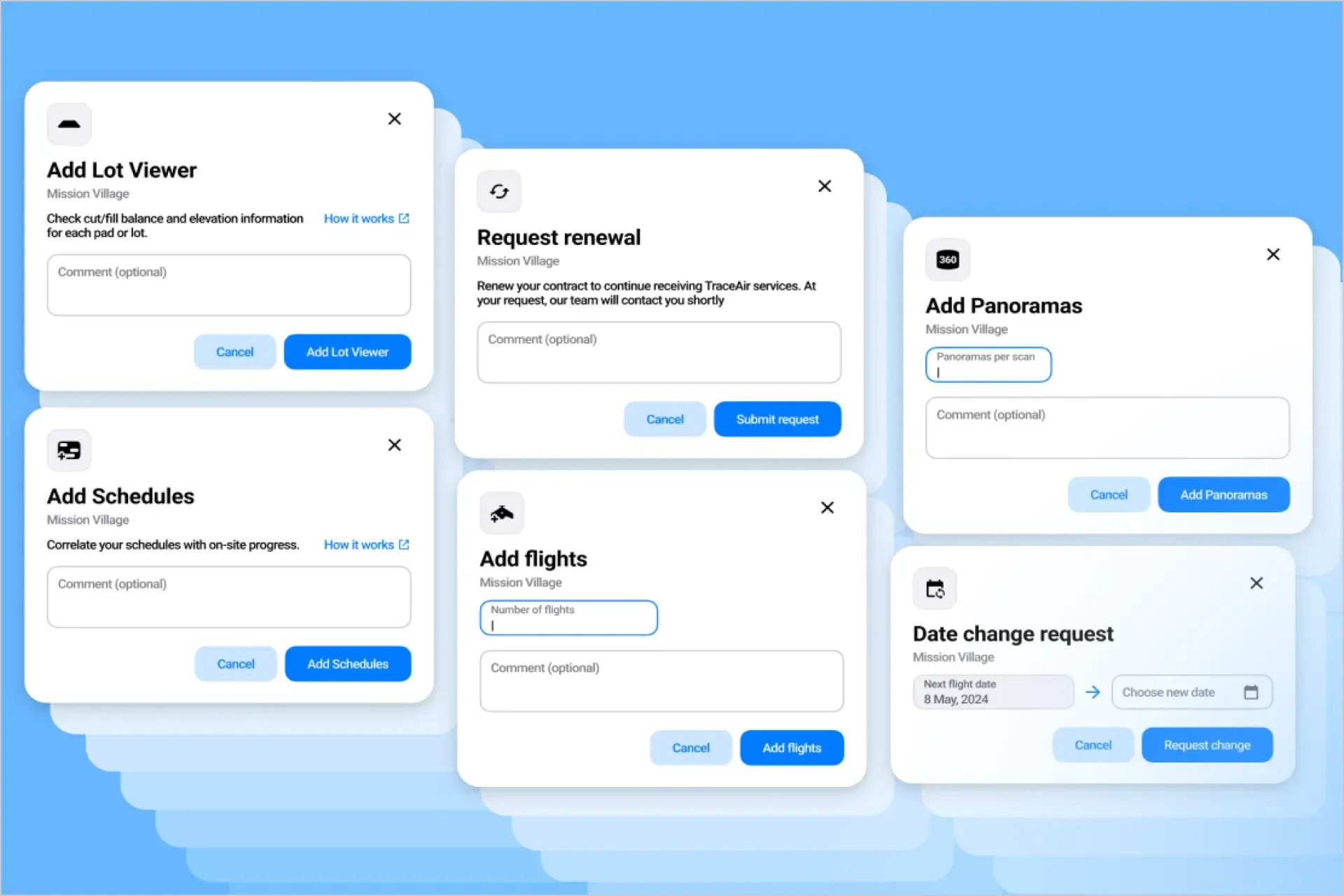
TraceAir's new project management tools designed to streamline workflows, enhance project control, and improve efficiency with user-friendly features.